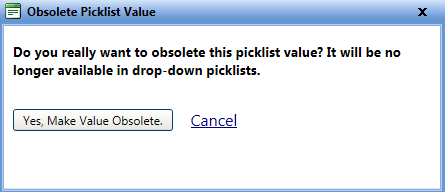
The Obsolete Picklist Value dialog box lets you hide a picklist value from the list so that it is not used in future transactions.
 Tip
Tip
To view the Obsolete Picklist Value dialog box, click the Obsolete Picklist Value link.
The Obsolete Picklist Value dialog box lets you hide a picklist value from the list so that it is not used in future transactions.
Tip
To view the Obsolete Picklist Value dialog box, click the Obsolete Picklist Value link.
1. In the Maintenance Fields page, click the View link next to the Cost Type field.
The Cost Type picklist page opens. You can view the values of the Cost Type picklist field.
2. Click the Edit link next to a value that you want to make obsolete.
The Edit Picklist Value dialog box opens.
3. Click the Make Value Obsolete link. The Obsolete Picklist Value dialog box appears.
4. When finished, click one of the following:
o Yes, Make Value Obsolete to make the value obsolete.
o Cancel to dis-regard changes and close the dialog box.