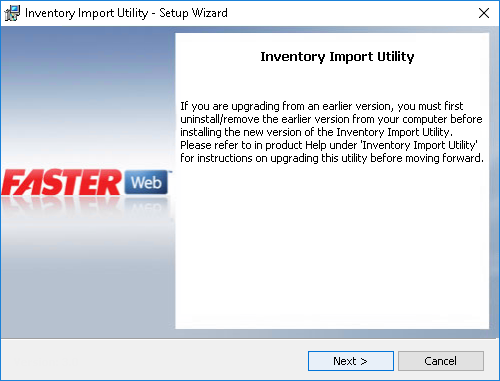
You can install the Inventory Import Utility using the Inventory Import Utility.exe file.
1. Double-click the Inventory Import Utility.exe file.
The setup wizard is displayed.
2. Perform one of the following:
The Welcome to the Setup Wizard for Inventory Import Utility screen is displayed.

3. Click Next.
The Destination Folder screen is displayed with a default path. You can click Change to select a different location to install the utility.
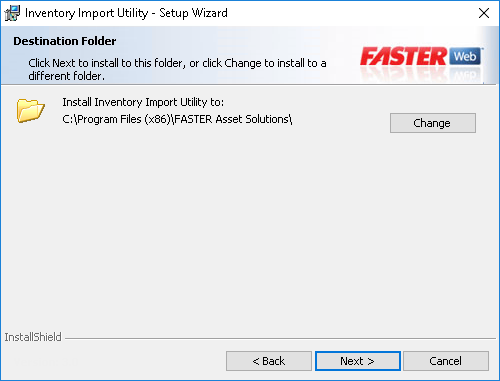
4. Click Next.
The Ready to Install the Program screen is displayed.

5. Click Install to begin the installation of the Inventory Import Utility.
After installation, the Setup Wizard Completed screen is displayed.
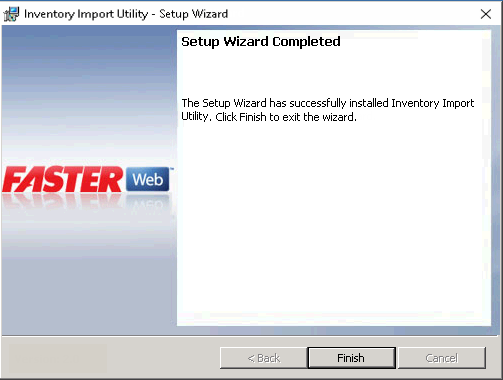
6. Click Finish.
Note: After installation, you must configure and run the import before you can use the utility.